Receive work requests, manage every repair, and keep your entire team in the loop from the first reported issue to the unit’s return to service.See Fullbay In Action
EFFORTLESS WORK REQUESTS.
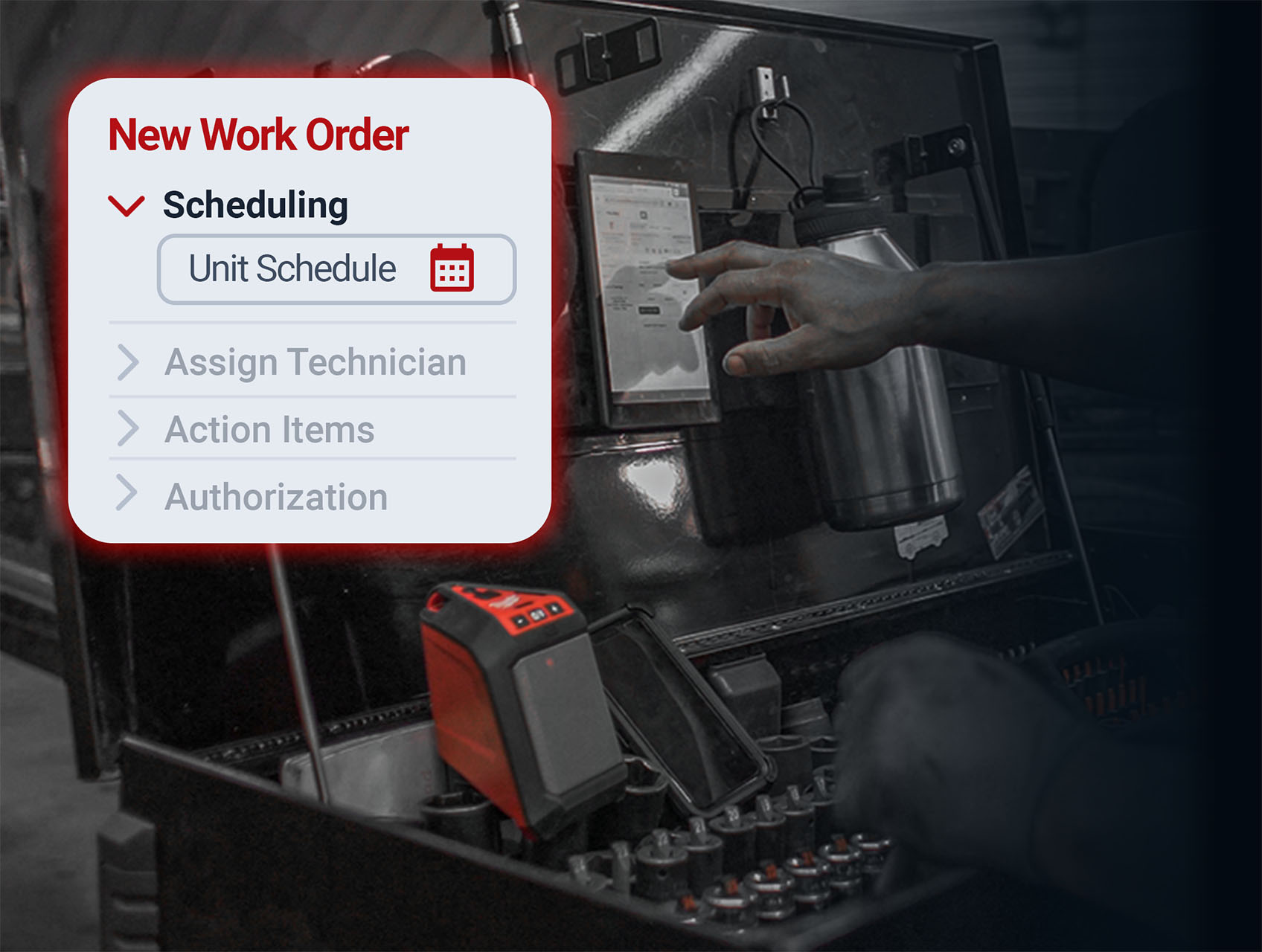
When requests arrive through multiple channels, maintenance teams lose time sorting priorities before the work even begins. With Fullbay, drivers, dispatch, and managers submit requests through their own portal — nothing gets overlooked.
Bring work requests from the portal, phone, email, and text into one organized view.
Set up preventive maintenance schedules and stay on top of DOT inspections
Receive driver defects from Whip Around and Pitstop into Fullbay, so your team can act on safety issues the day they’re reported.
KEEP EVERY REPAIR MOVING.
When you can’t see what’s happening in the shop, units sit idle and labor hours don’t get tracked. Fullbay puts real-time repair status and full unit history in front of you, so you can keep work moving and account for every hour your techs put in.
See every job’s status at a glance; spot units waiting on parts before they cost you a day.
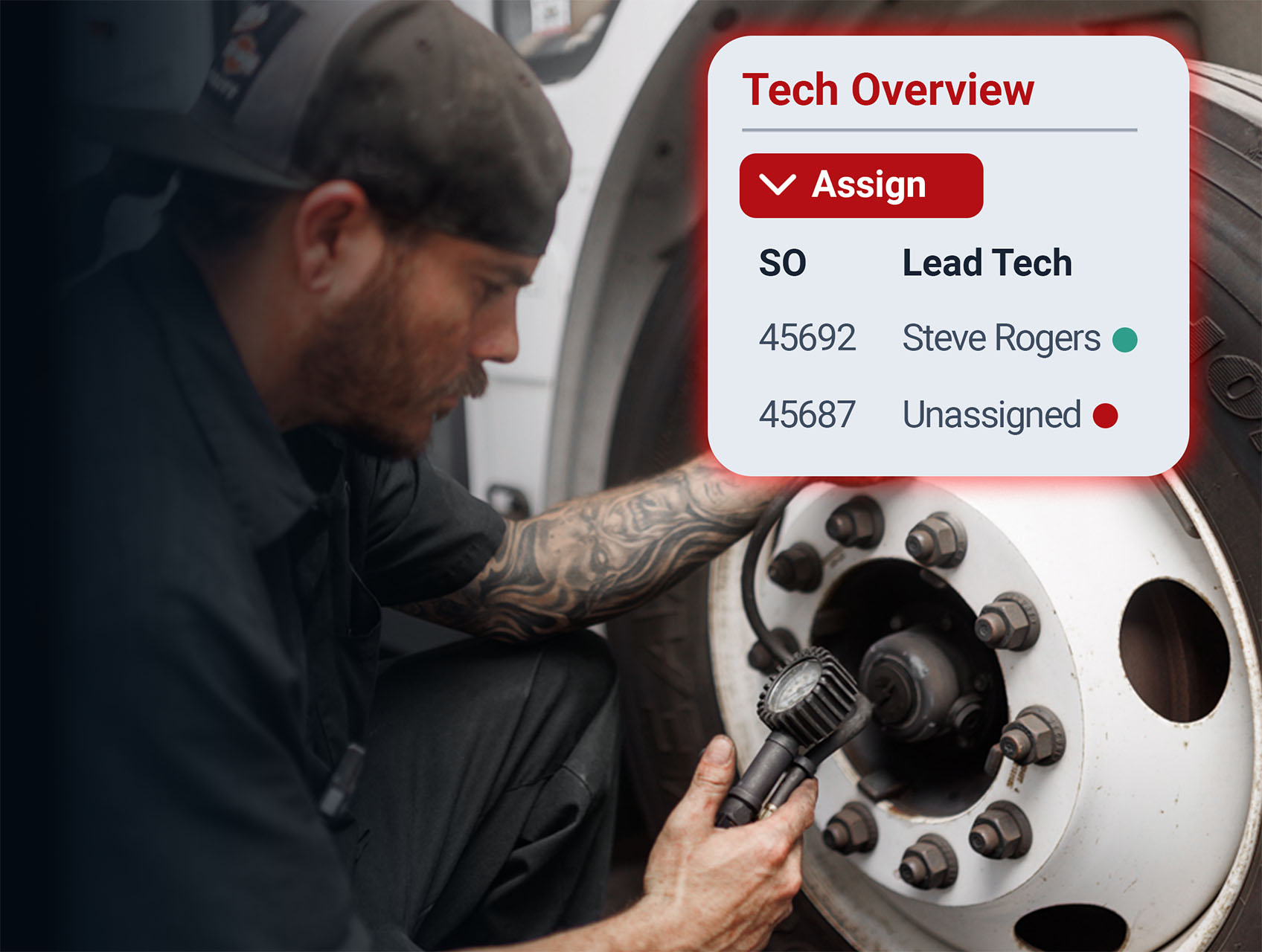
Review real-time technician stats to speed up decisions like who to assign to what jobs.
Notify techs when work is assigned, parts are ready, or a repair is set to move to the next stage.
Track parts and labor against each work order to understand the true maintenance cost of every unit.
THE RIGHT TOOLS FOR YOUR TECHS.
Techs searching for specs, re-doing jobs because something was missed, and repeating the same PM steps from memory can cost a lot of time. When you give your team the right tools inside the work order, repairs get done right the first time — and your best people spend their day wrenching, not searching.
Cut repair time with access to labor time guides, wiring diagrams, and procedures right inside the workflow.
Add required parts to the work order, track their status, and see which repairs are waiting on inventory.
Let techs clock time, update repair status, and add notes and photos from the shop floor.
Speed up repeat jobs by leveraging global services and canned jobs for PMs, inspections, and common repairs.
GET REAL-TIME OPERATIONAL VISIBILITY.
When dispatch has to call the shop to check on a unit, it slows everyone down. Fullbay keeps fleet managers, dispatch, and safety managers in the loop, so decisions happen faster and no one’s guessing when a unit will be back.
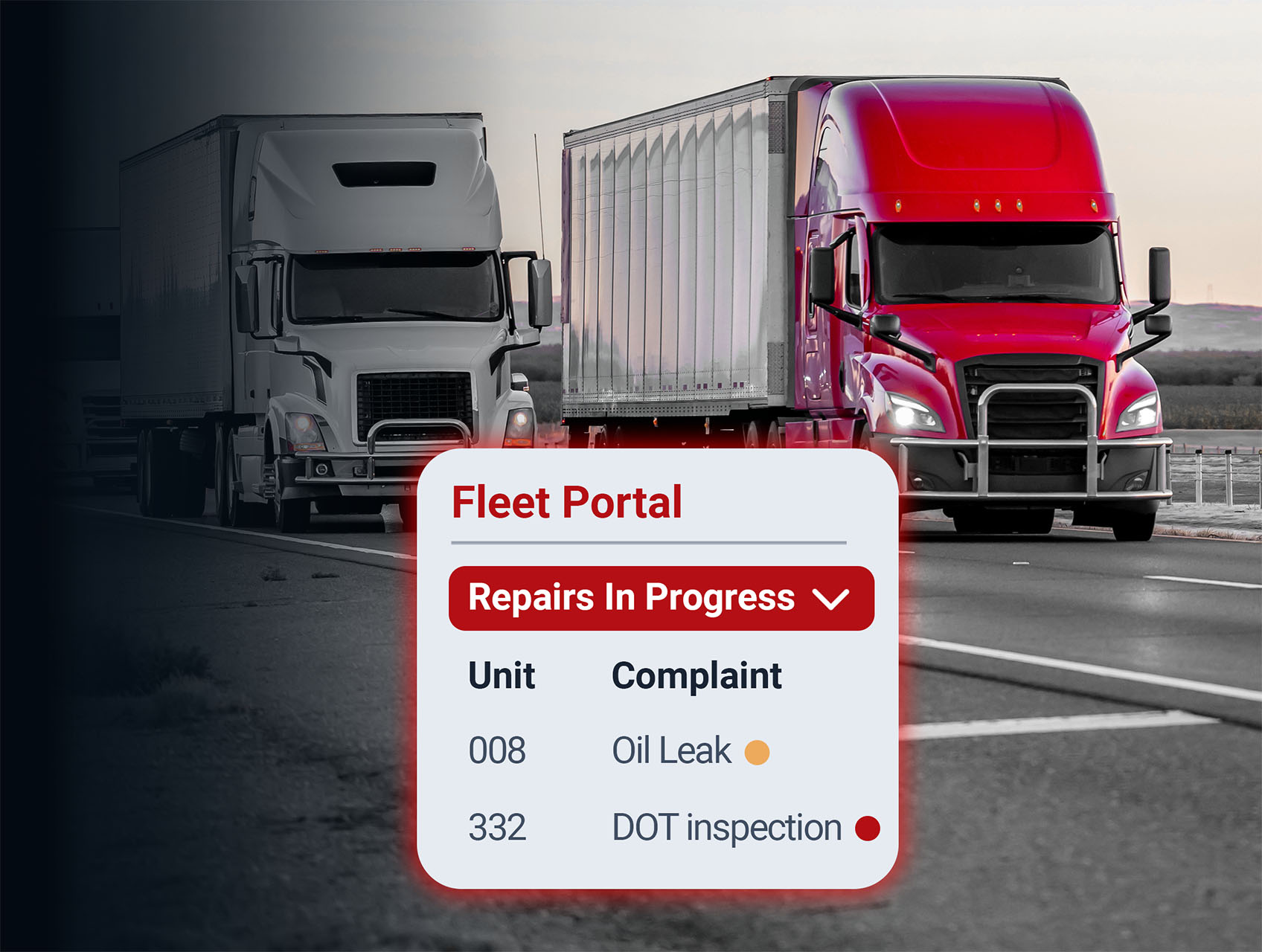
View active repair statuses in the portal to see exactly where each unit is in the process.
Approve preventive maintenance, parts, and additional repairs without missing a step.
Review detailed notes and images documented during the repair to understand exactly what was done.


 Bring work requests from the portal, phone, email, and text into one organized view.