
EVERY UNIT.
EVERY REPAIR.
ONE COMPLETE RECORD.
Keep unit information, active repair work, service history, and usage together, so your team knows what each asset needs and where its repair stands.
GET A FREE DEMO

STOP CHASING DOWN UNIT INFORMATION.
Fullbay gives you one reliable recordto work from.
START EVERY REPAIR WITH THE UNIT'S HISTORY.
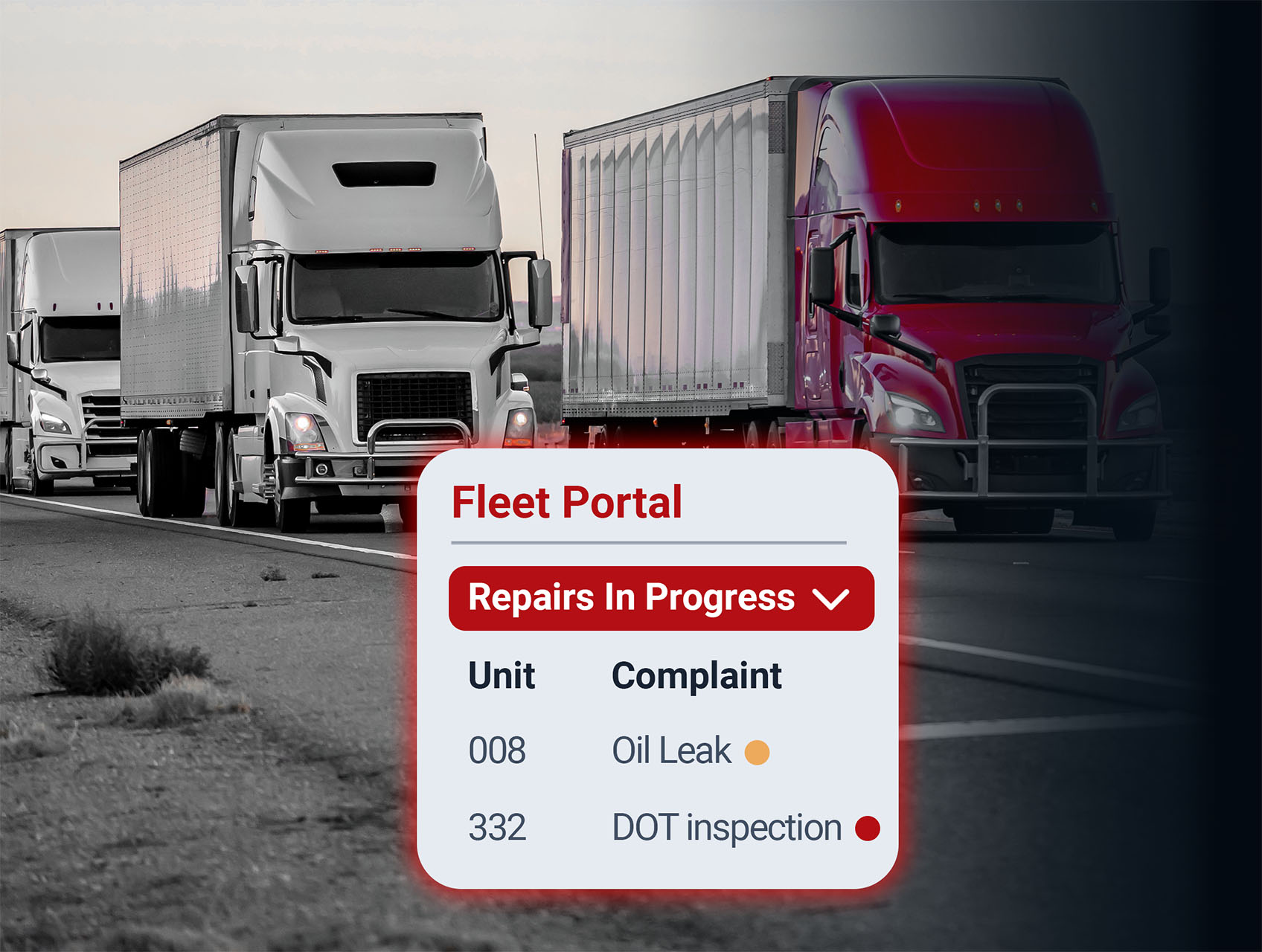
When prior work is scattered across spreadsheets and sticky notes, techs can waste time retracing earlier repairs. Fullbay keeps each unit’s service orders, labor notes, parts history, and current repair status together, giving your team a clearer picture before the first wrench turns. See every vehicle’s current repair status and where it is — whether it’s in-shop, waiting on parts, awaiting approval, or back in service.
Review open and completed service orders tied to each unit.
Review repair and maintenance costs per unit.
See every vehicle’s current repair status and where it is — whether it’s in-shop, waiting on parts, awaiting approval, or back in service.
Review open and completed service orders tied to each unit.
Review repair and maintenance costs per unit.

TURN REPORTED DEFECTS INTO SERVICE ORDERS.
A defect on a DVIR that never reaches the shop is a liability on the road. Bring reported defects into the repair workflow without re-entering the same information — nothing gets missed, and your fleet has a clean audit trail for every inspection.
Open defects are visible in the unit record, not buried in files and paperwork.
Defects flow immediately into service orders: no re-entry, no issues falling through the cracks.
Maintain a searchable history of reported defects, inspections, and completed repairs.

TRACK THE USAGE THAT MATTERS.
Different units — and even different components on the same unit — may need to be tracked by different measurements. Fullbay tracks mileage, engine hours, or the applicable meter at the component, unit type, or individual unit level. When a unit hits a PM interval, Fullbay notifies you, so you’re scheduling service instead of reacting to a breakdown.
USAGE IS ENTERED
Usage is entered on the service order — no need for separate data entry.
NOTIFICATIONS ARE TRIGGERED
PM intervals trigger notifications when a vehicle hits them instead of on a fixed schedule.LESS DOWNTIME. FASTER REPAIRS. BETTER UNIT RECORDS.
Fewer Status Checks

Fleet managers can see the repair information connected to the unit without going hunting for updates.
Better Context For Technicians
Prior service history and unit details give techs a clearer starting point for the next repair.
More Consistent Unit Records
Service orders, usage readings, and completed work stay connected to the same asset over time.


SEE EVERY UNIT.
KNOW EVERY DETAIL.
Want to see how Fullbay keeps unit history, active repairs, and usage information connected? Get our free demo.